
This guidance will go over how to remove an additional device linked to your Web Portal Account. This could be useful when adding a loaner device during a repair service and the Web Portal tries to charge you for the additional device.
- When you try to log into your Web Portal, you will get a prompt indicating a new device has been detected. Select 'Remove Device' to proceed.

- The prompt will note Available devices. 1st digit indicates connected devices, 2nd digit indicates how many you pay for in your subscription. Select 'Remove' for the device you wish to remove. If you just added a loaner, it's best to check the back of the InBody device, but reasonably, remove the older dated device.
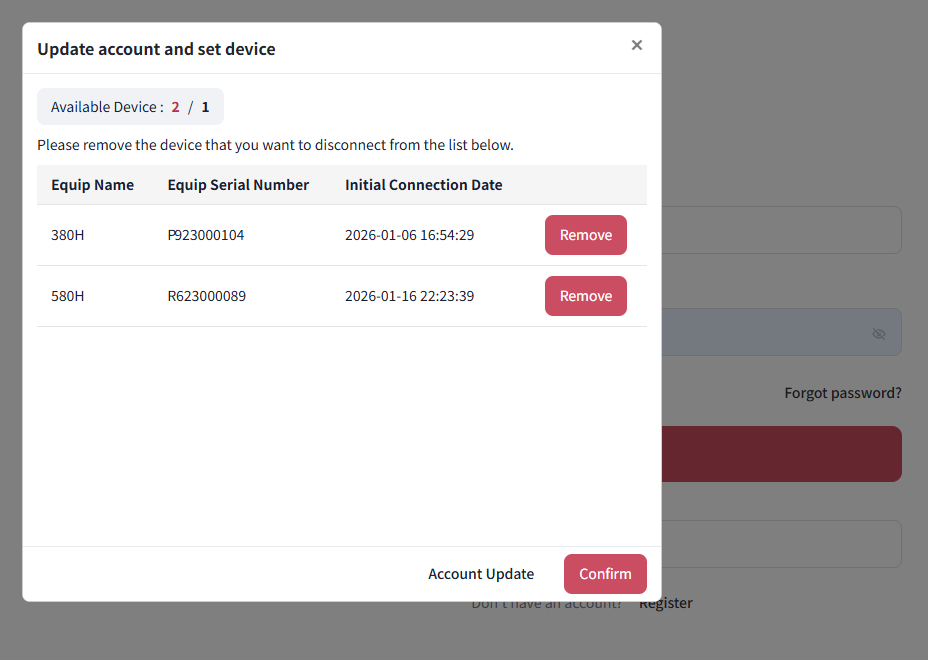
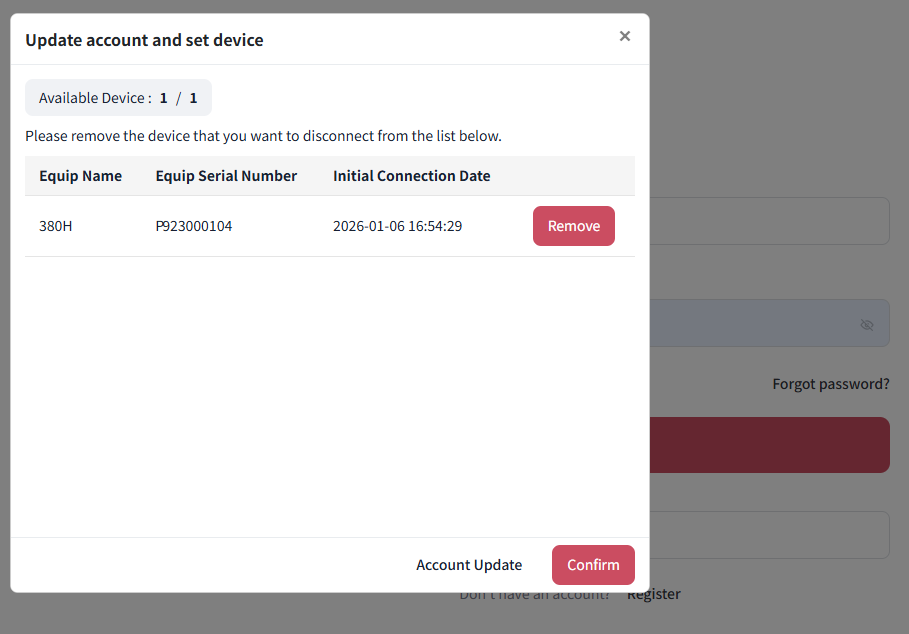
- The list will update in real time. Once you're 'Available Device' numbers match, you won't be forced to update billing. Click 'Confirm' to proceed.
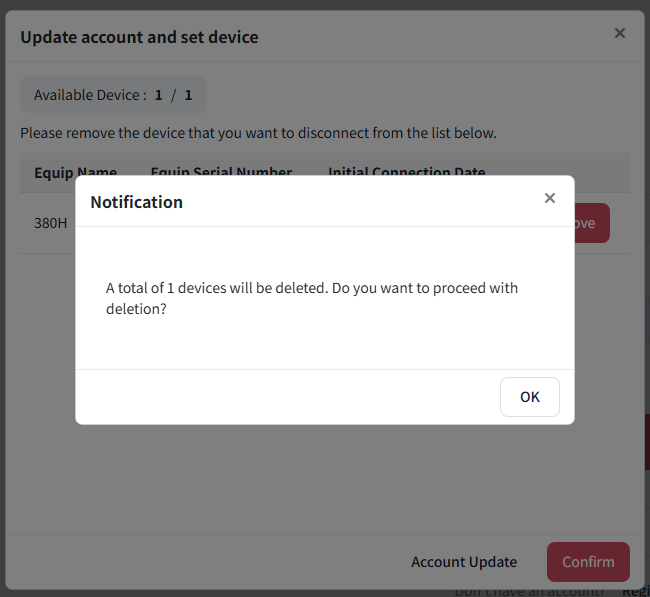
- You will get one final prompt. Click 'OK' then 'OK' to proceed.
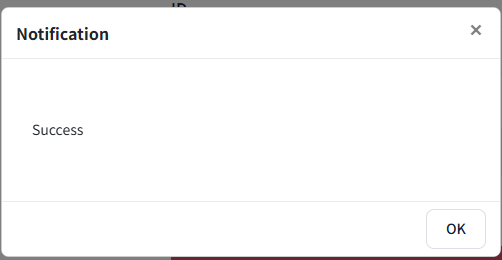
- Attempt login once more and you should be able to access your Web Portal again without having to update payment.
Should you continue to have issues, please contact our Software Support Team at LBsupport@InBody.com