
The attached guides will walk you through the process of backing up/restoring/combing data on your InBody for x70 series devices.
- Backup - This will create a full image of the device in it's current state
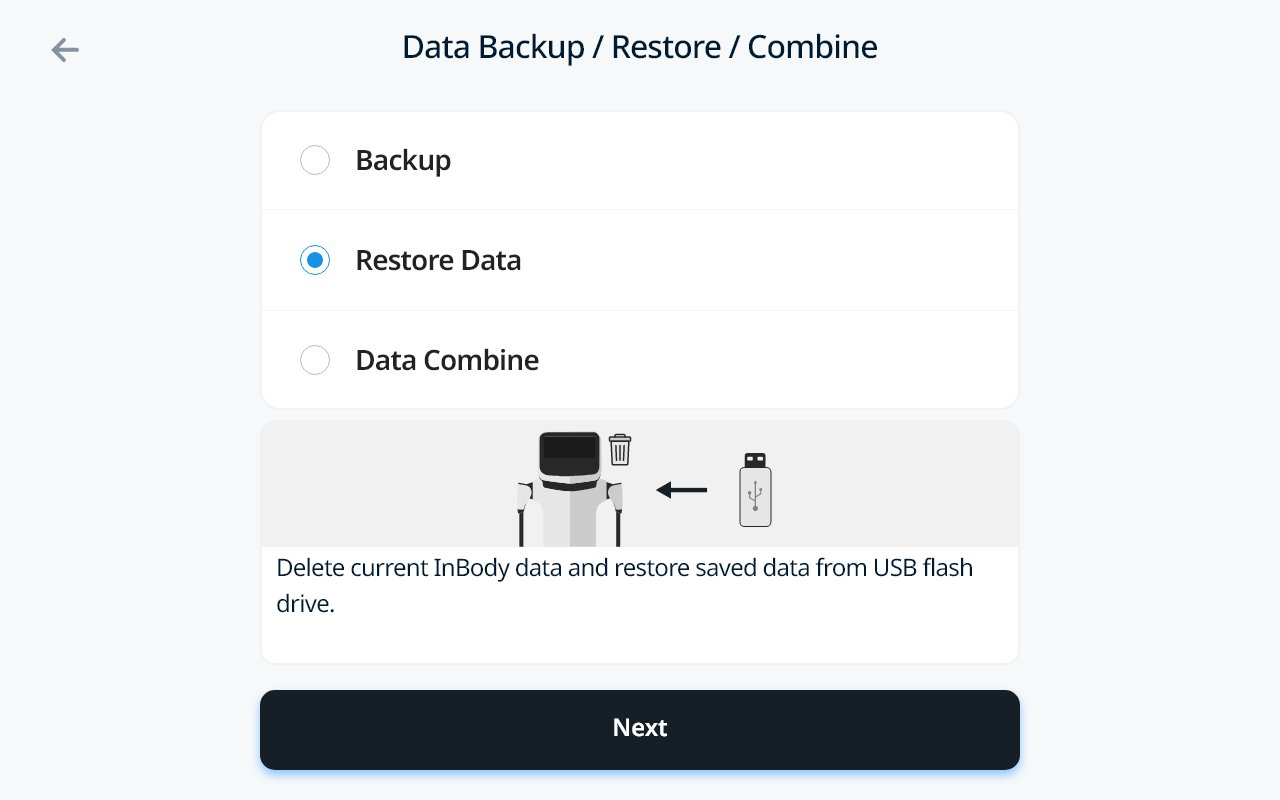
- Restore - If you restore, it will overwrite any data not part of the image you are restoring from
- Please be careful when doing this option.
- Combine - It will add any data part of the Backup to the existing device image thus retaining any difference in data
Guided Steps
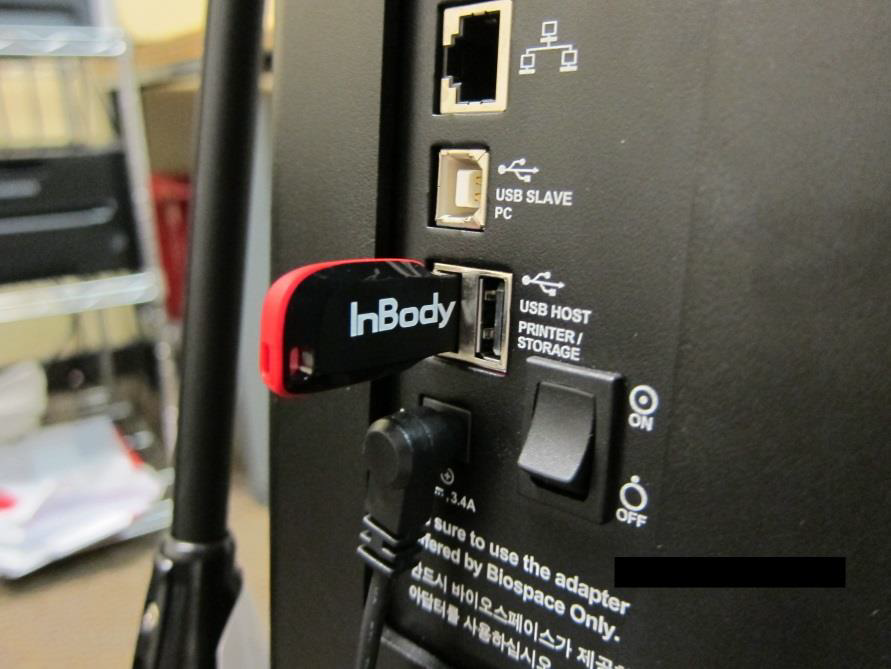
- Insert your InBody USB thumb drive into the back of any open port
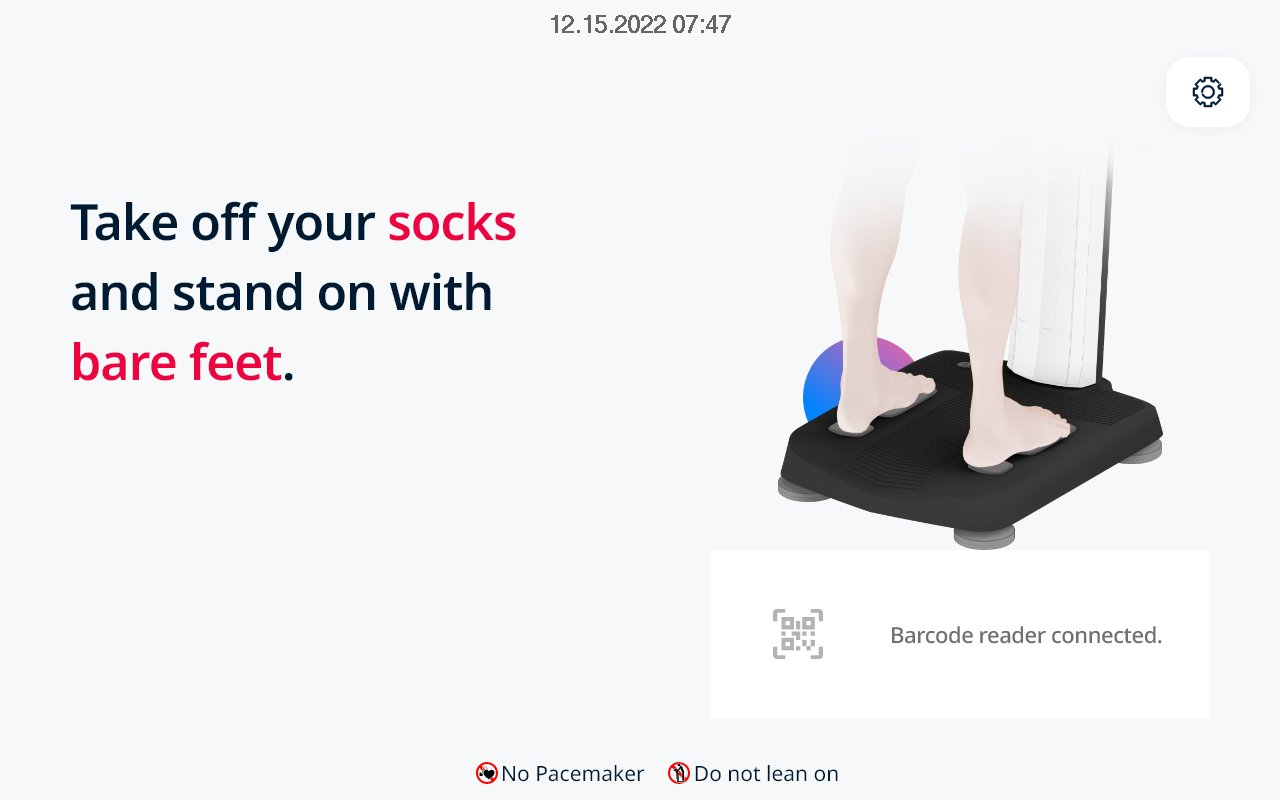
- Press the Administrator Menu (Gear Icon) on the Main Screen
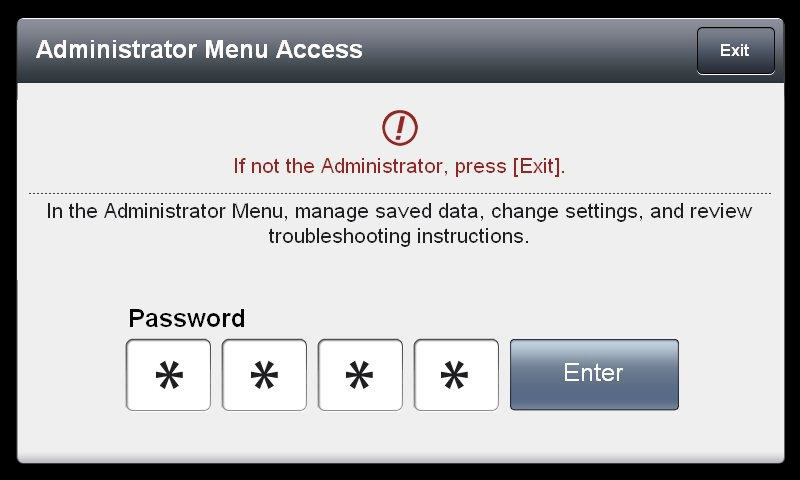
- Enter your PIN and press Enter
- Select Option 4. Data Management
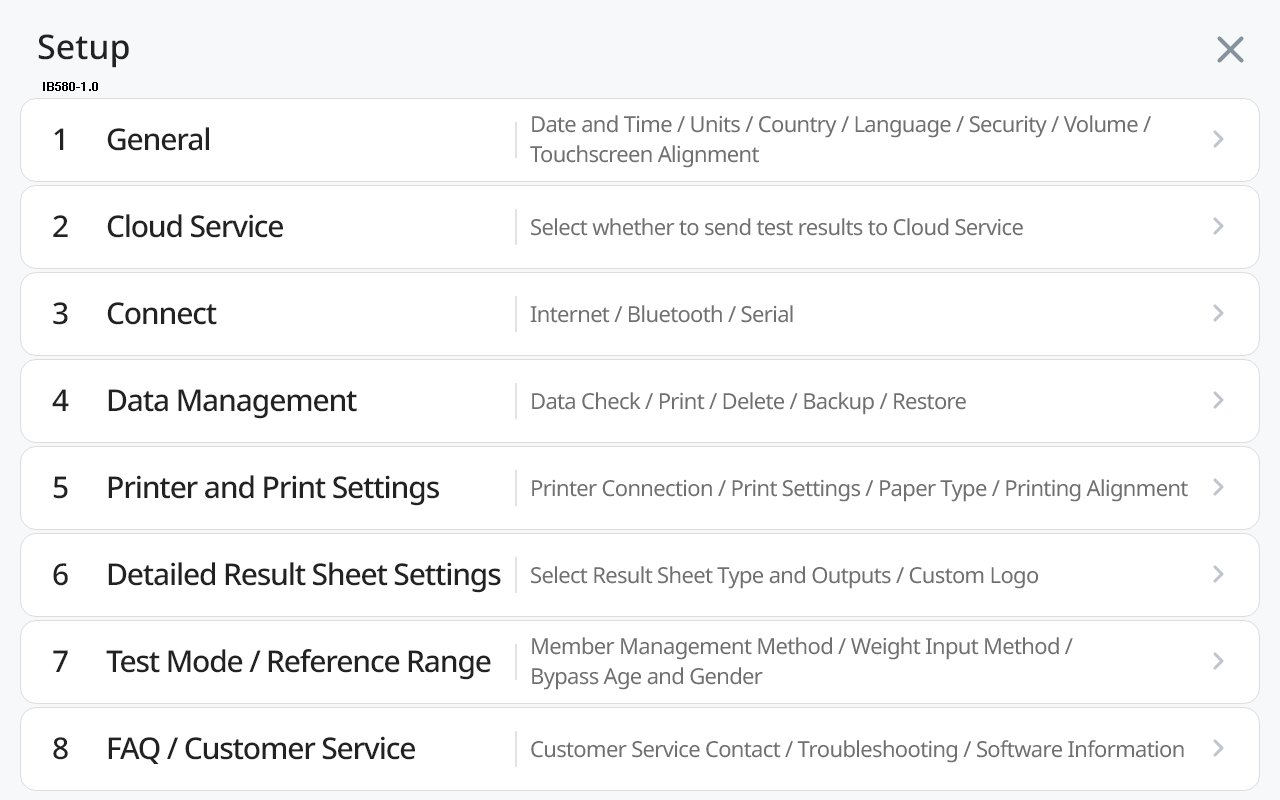
- Select Data Backup/Restore/Combine
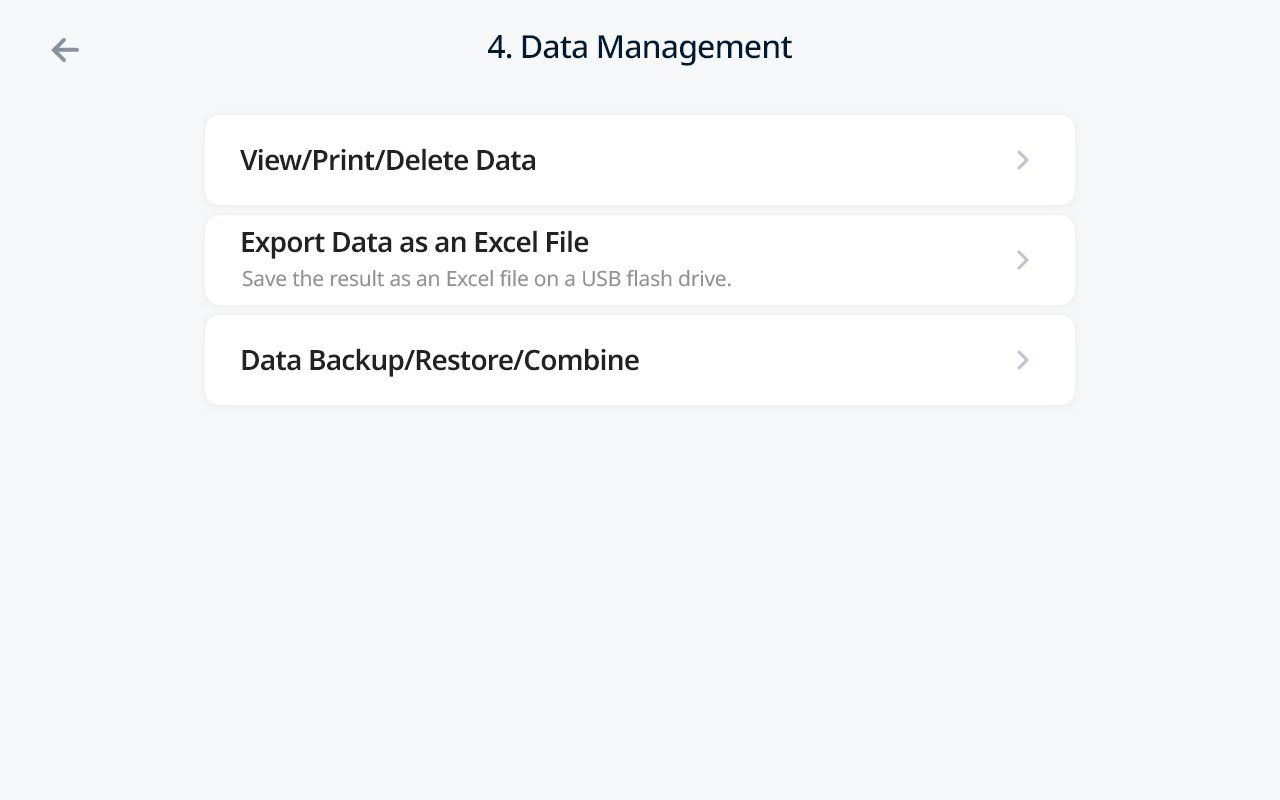
Backup Your Device
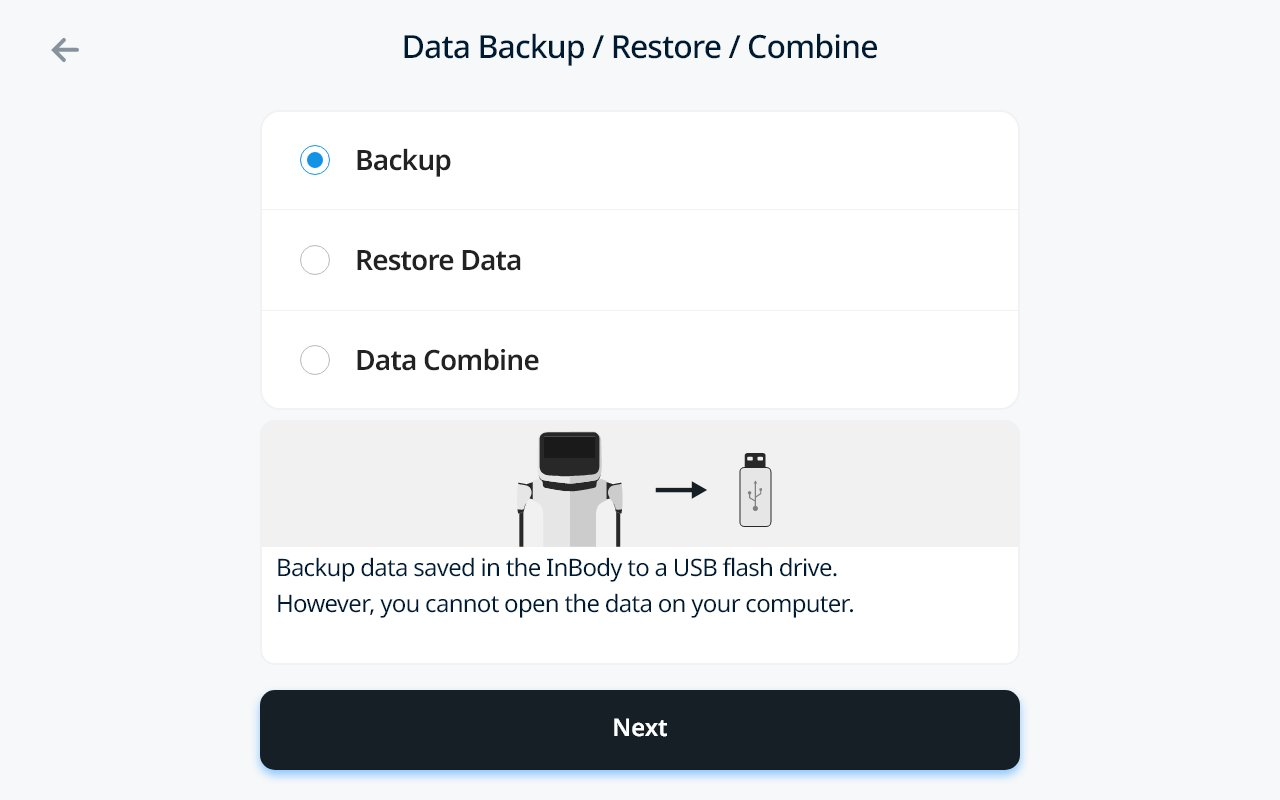
- Select Backup -> Select Next
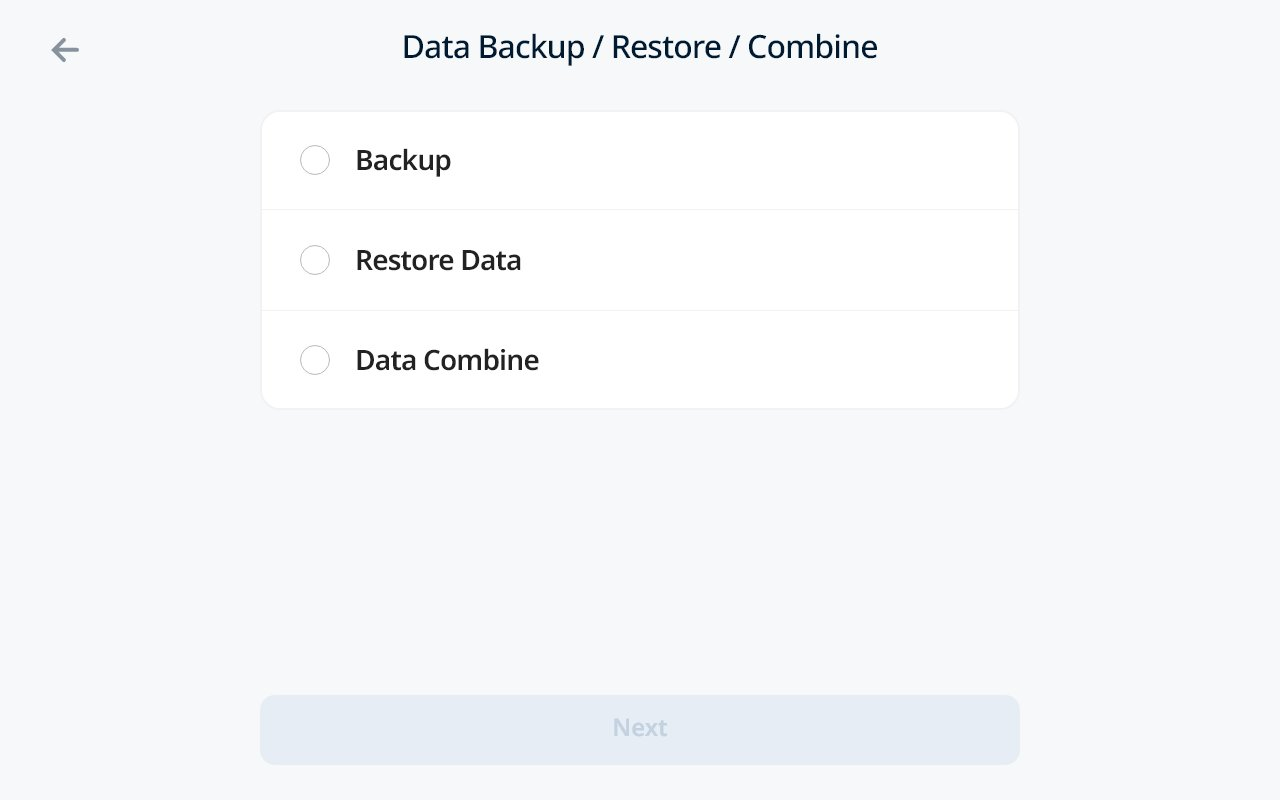
- Select Backup -> Select Next
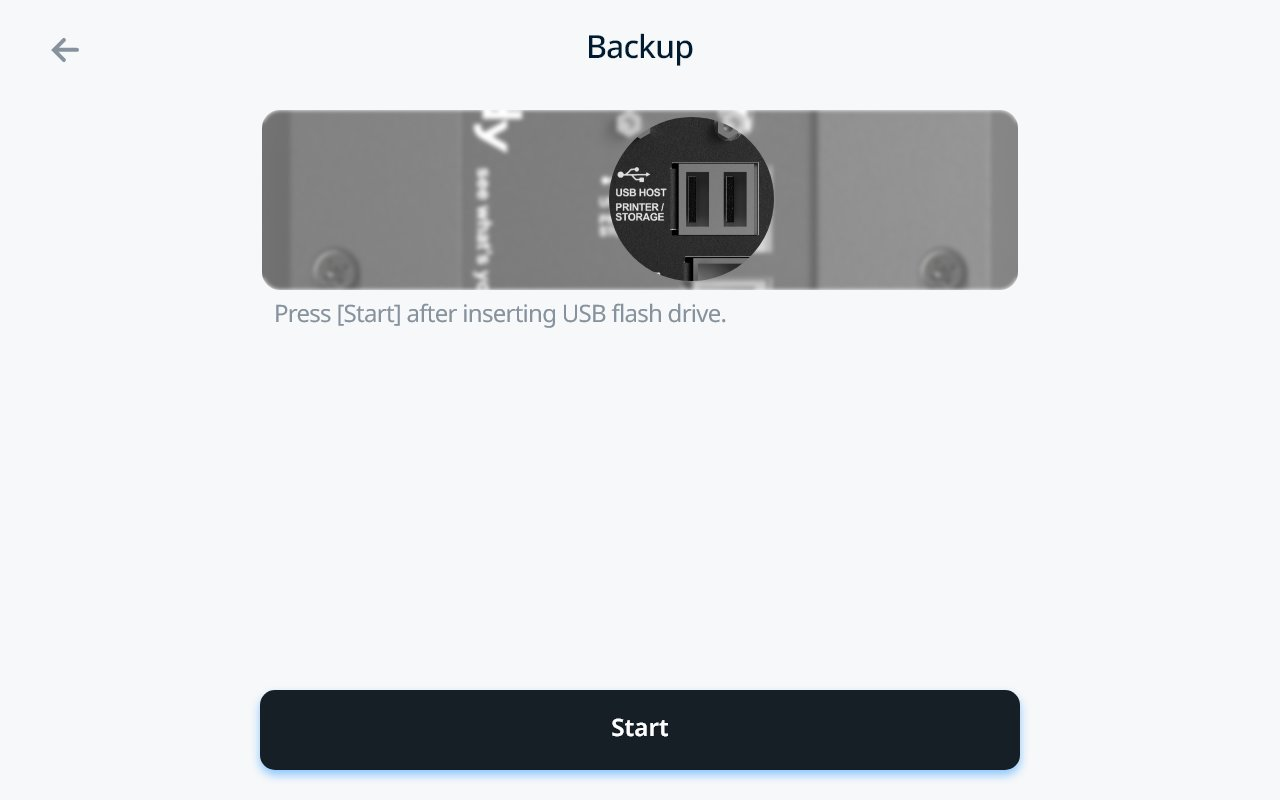
- Ensure your USB Thumb Drive is plugged in and select Start
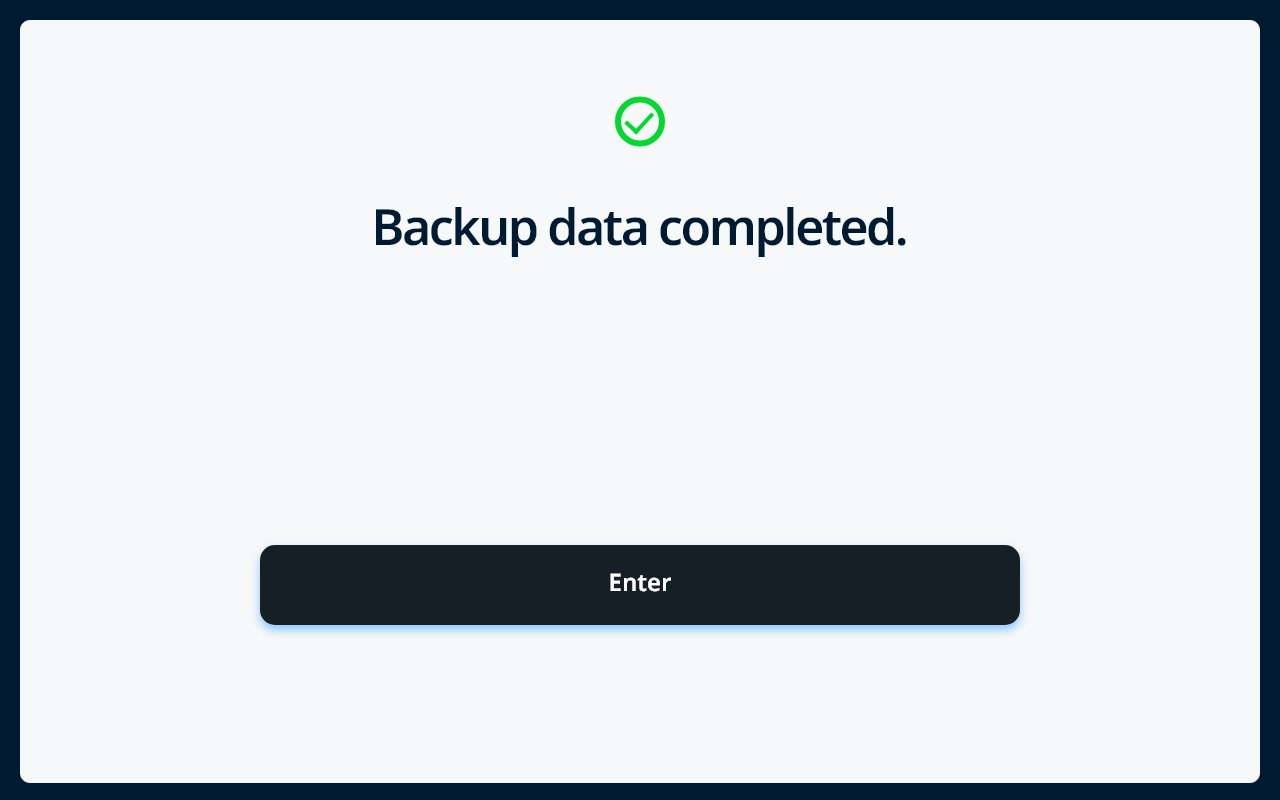
- When completed, you will be prompted with the following screen
Restore Data to InBody Device
- Select Restore Data -> Select Next
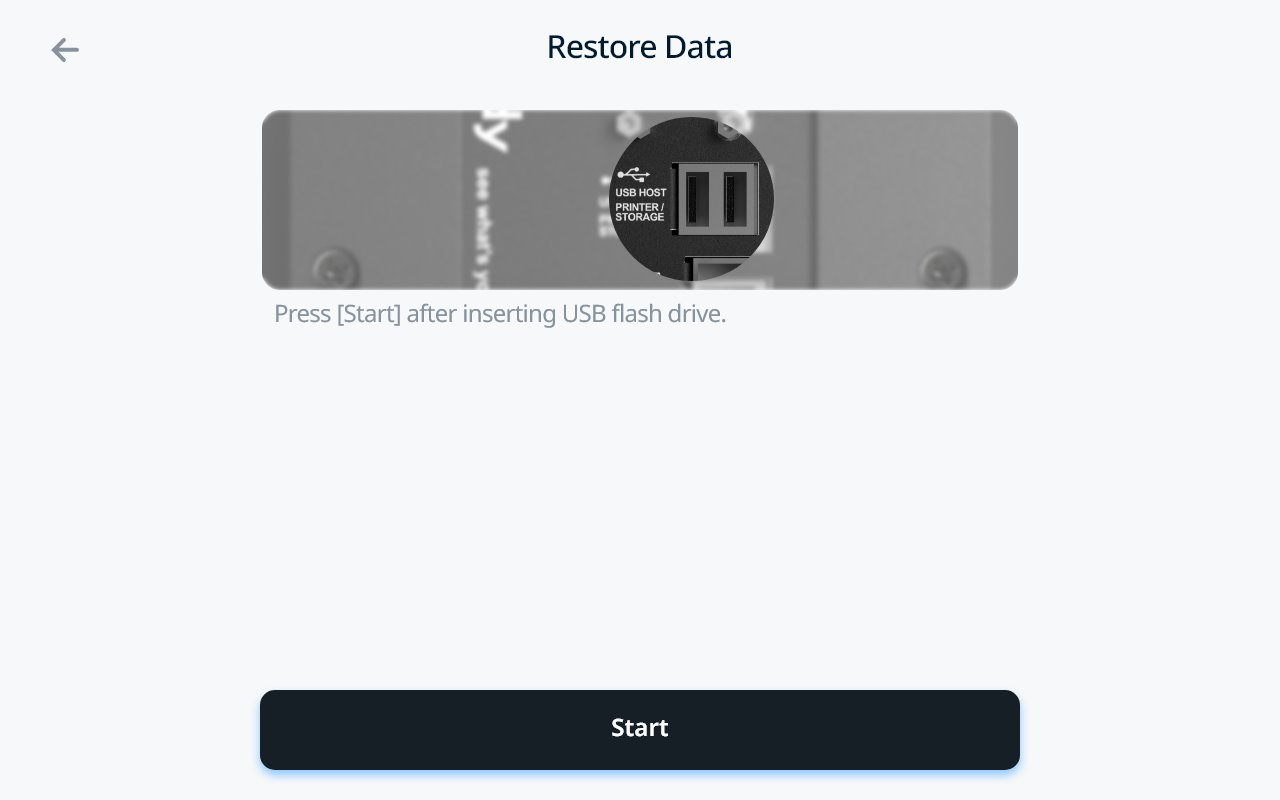
- Ensure USB Thumb Drive is plugged in and select Start
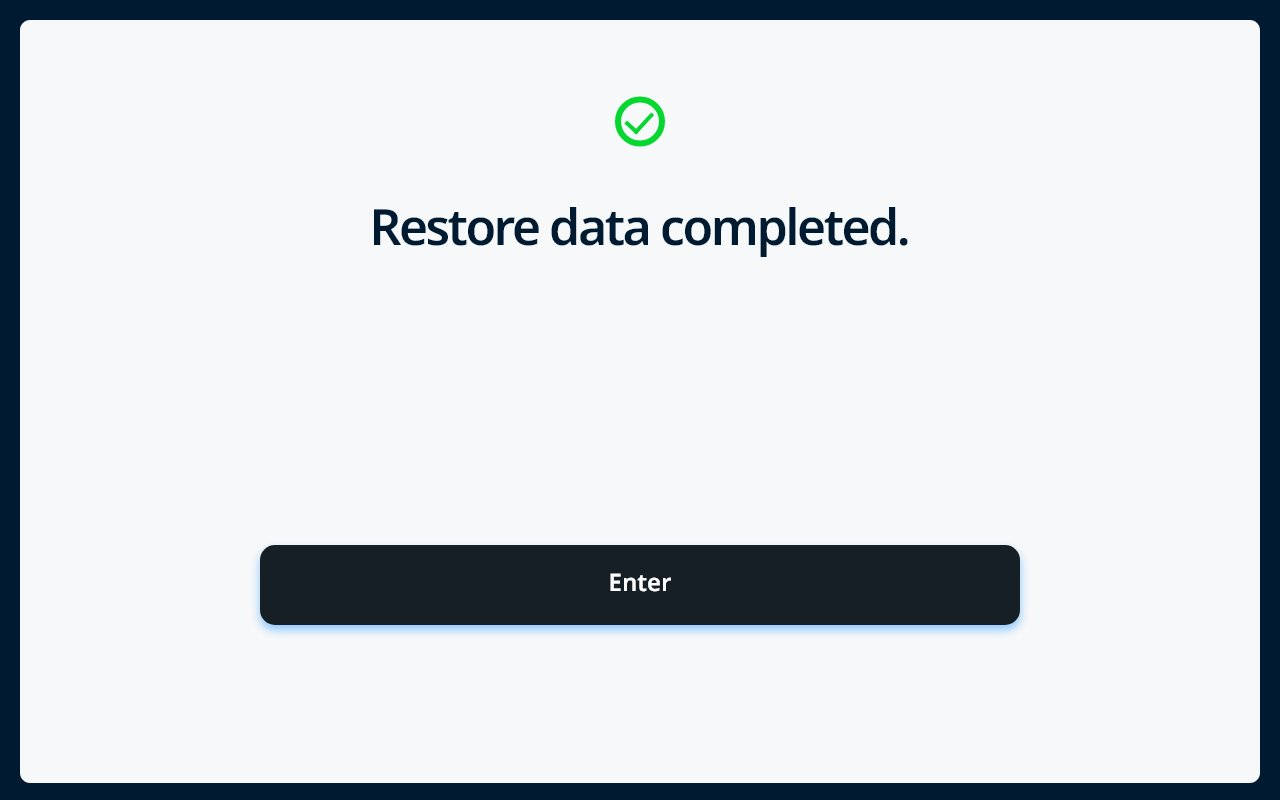
- When completed, you will be prompted with the following screen
Combine Data to your InBody Device
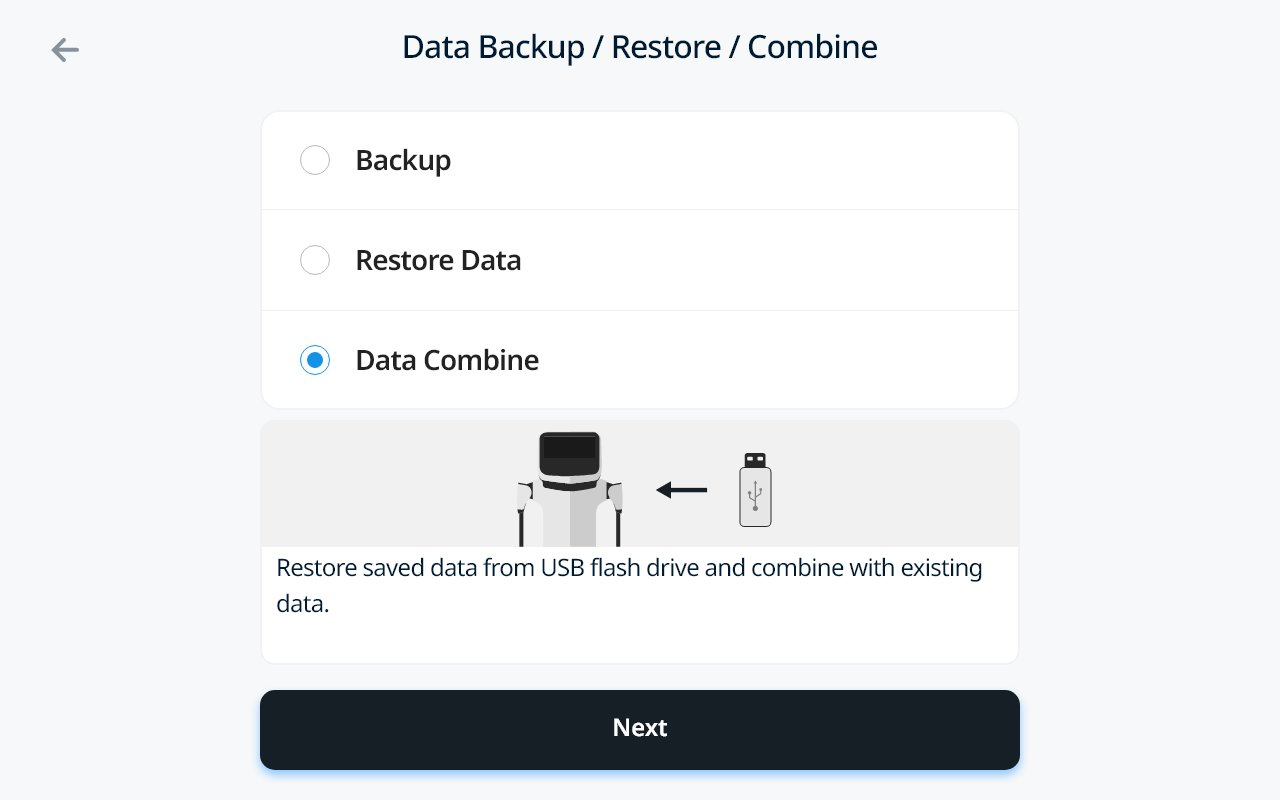
- Select Data Combine -> Select Next
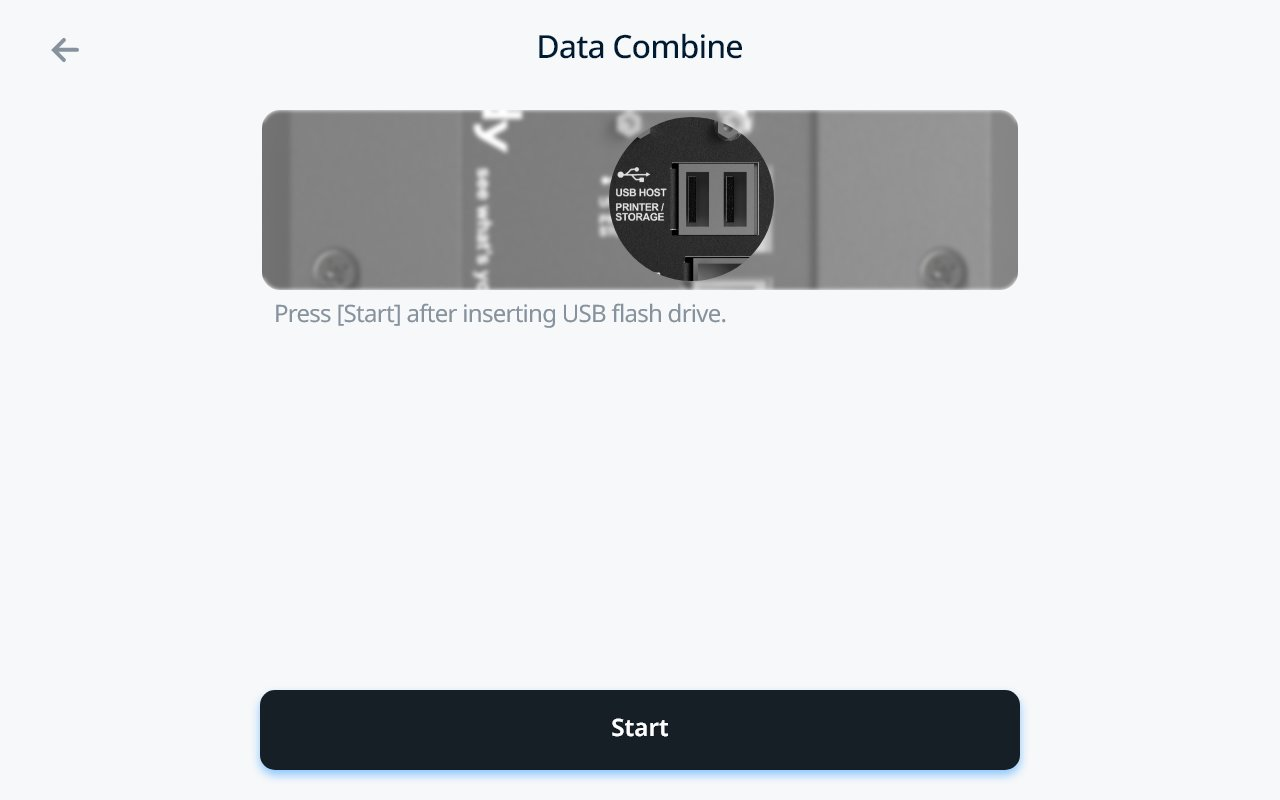
- Ensure your USB Thumb Drive is plugged in and select Start
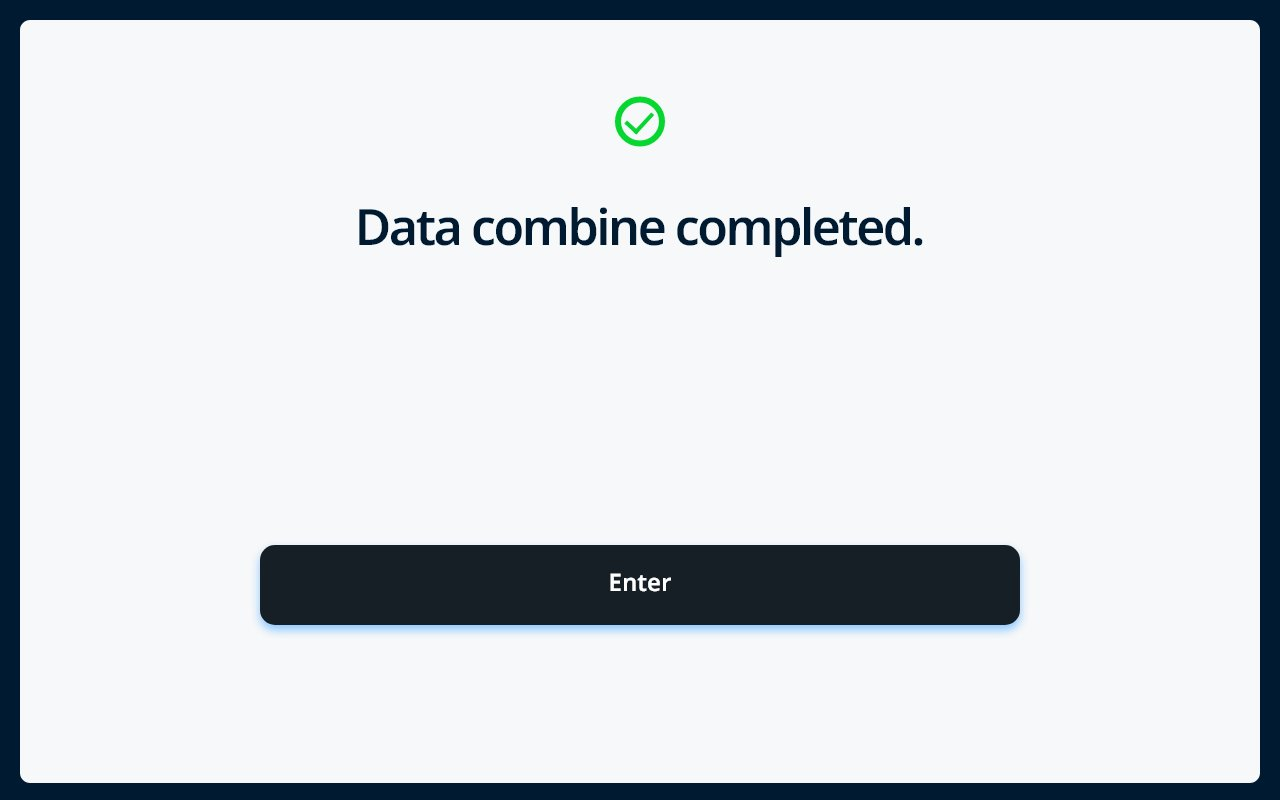
- When completed, you will be prompted with the following screen
If you run into any problems, you can connect with our team at customersupport@inbody.com